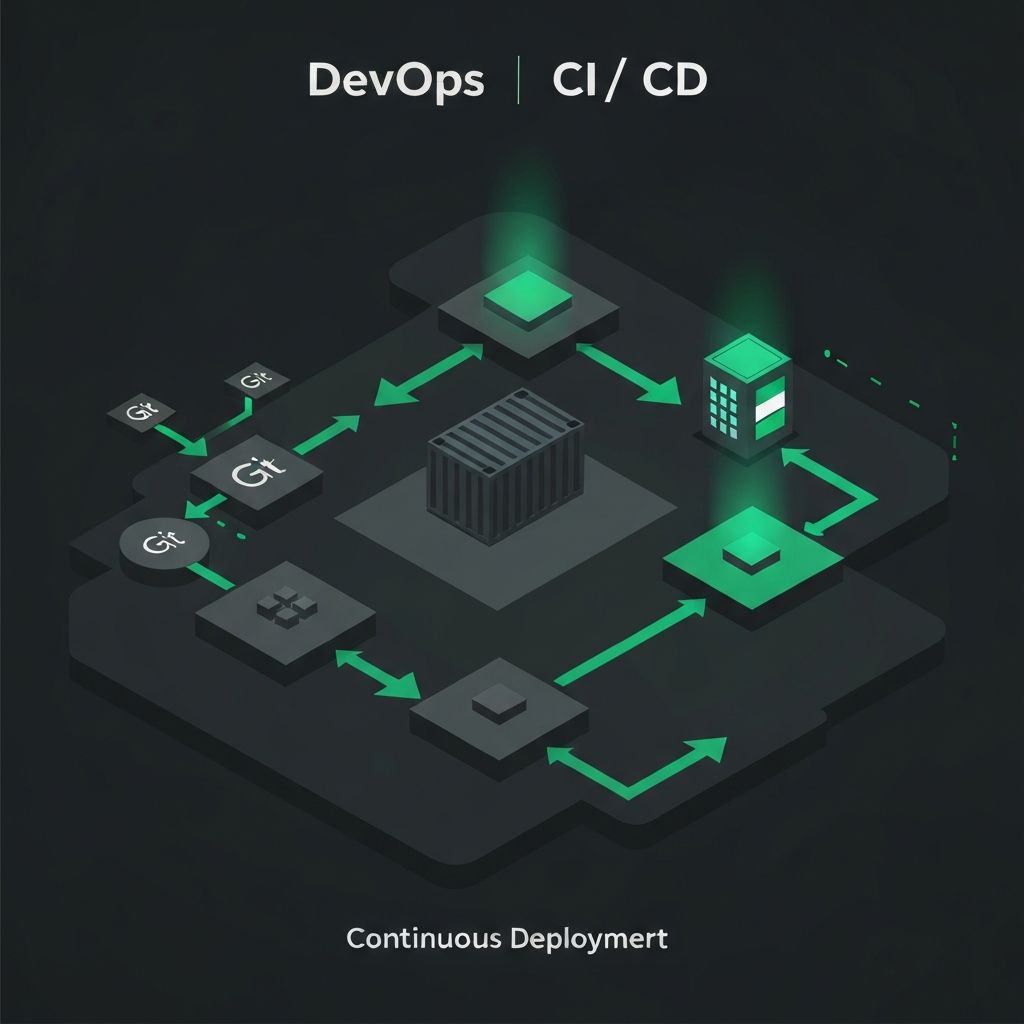
DevOps CI/CD Stack
Self-hosted Git, CI/CD, and container management
Overview
A complete self-hosted DevOps pipeline. Gitea as a lightweight Git server, Drone CI for continuous integration, Portainer for Docker management, and Traefik as the edge router with automatic SSL.
Included Applications (4)
Gitea
45.0kA painless, self-hosted, all-in-one software development service. Lightweight code hosting solution.
Drone CI
32.0kA self-service Continuous Integration platform for busy development teams. Container-native CI/CD.
Portainer
31.0kMaking Docker and Kubernetes management easy. A universal container management platform.
Docker Compose
version: '3.8'
services:
  traefik:
    image: traefik:v3.0
    ports:
      - "80:80"
      - "443:443"
    volumes:
      - /var/run/docker.sock:/var/run/docker.sock
      - traefik_data:/letsencrypt
    command:
      - "--providers.docker=true"
      - "--entrypoints.websecure.address=:443"
      - "--certificatesresolvers.letsencrypt.acme.email=you@email.com"
    restart: always

  gitea:
    image: gitea/gitea:latest
    ports:
      - "3000:3000"
      - "222:22"
    volumes:
      - gitea_data:/data
    restart: always

  drone:
    image: drone/drone:2
    ports:
      - "8080:80"
    environment:
      DRONE_GITEA_SERVER: http://gitea:3000
      DRONE_SERVER_HOST: drone.yourdomain.com
      DRONE_SERVER_PROTO: https
    volumes:
      - drone_data:/data
    restart: always

  portainer:
    image: portainer/portainer-ce:latest
    ports:
      - "9443:9443"
    volumes:
      - /var/run/docker.sock:/var/run/docker.sock
      - portainer_data:/data
    restart: always

volumes:
  traefik_data:
  gitea_data:
  drone_data:
  portainer_data:
Setup Guide
Set up DNS records pointing to your server
Configure Traefik with your email for Let's Encrypt
Deploy with docker-compose up -d
Set up Gitea and create your first repository
Configure Drone CI and link it to Gitea
Use Portainer to monitor and manage all containers